AI in Warehouse Automation: How AI and Robots Work Together
An AutoStore robot can retrieve a bin and bring it to a picking port. That is not the same task as picking an individual item out of that bin. A separate robotic arm can use computer vision and machine learning to decide how to grip the item, then move it into an order carton. That handoff makes AI in warehouse automation easier to understand. Storage equipment presents the product, AI helps with the pick, and control software connects the steps. Each part has a different job.

Follow an item through the pick
1. The storage system brings the bin to the port. In AutoStore, robots travel on top of the grid to retrieve storage bins and deliver them to a workstation. Think of this as bringing the inventory to the place where the pick will happen, showcasing one of the steps where ai in warehouse automation improves efficiency. See how AutoStore works.
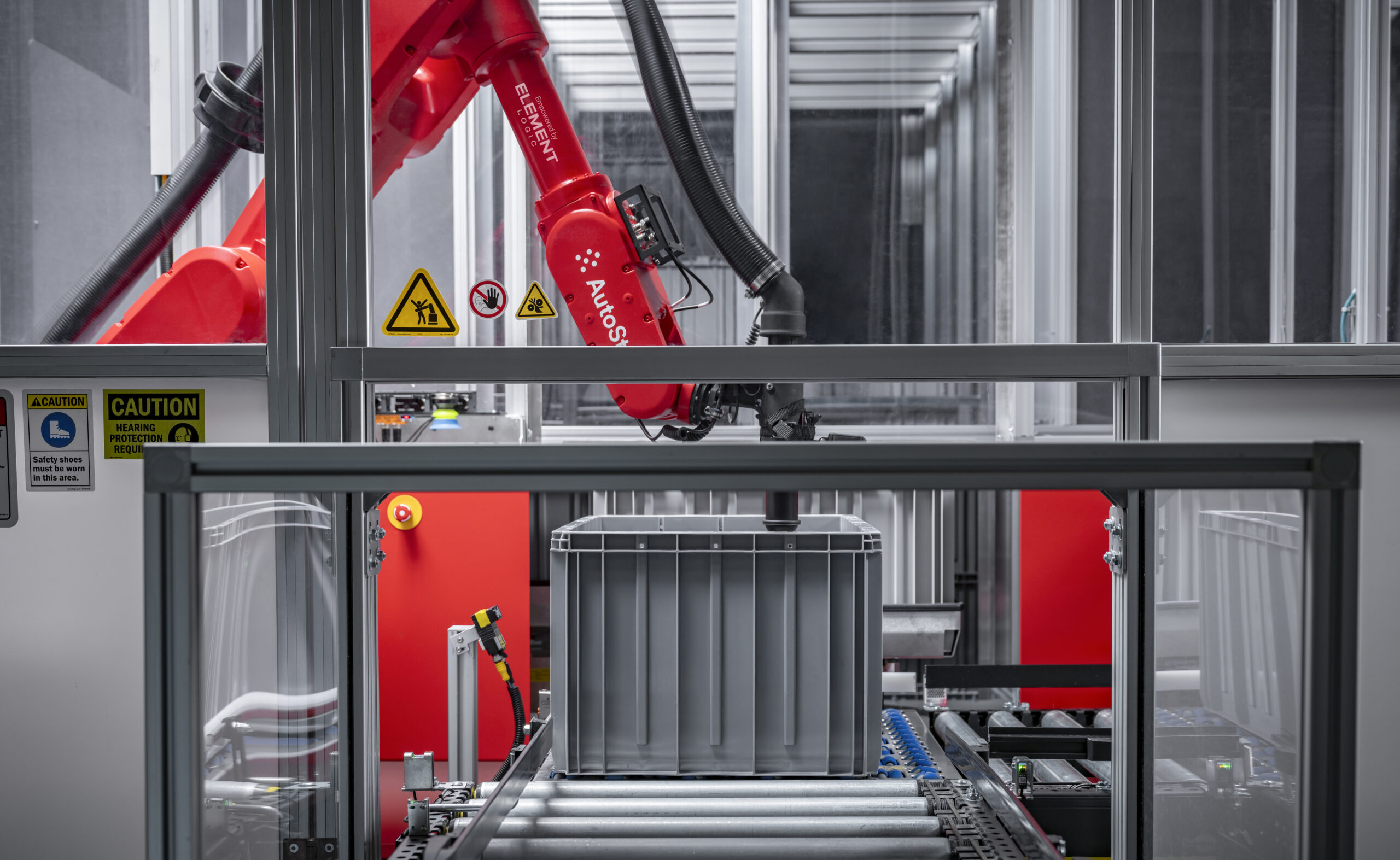
2. Vision and machine learning help the arm choose a grip. Once the bin is at the port, a vision system gives the robotic piece-picking solution information about the item. The software uses that information to help decide how to grip it. The arm carries out the pick. In the eOperator example documented at Solar, the arm can attempt to pick a new product without having to be programmed specifically for that item. Product fit still needs to be tested. Explore robotic piece picking.
3. Control software connects the pick to the next step. A warehouse control system (WCS) can coordinate storage equipment, robotic picking, and conveyors. It can also connect to the warehouse management system (WMS). The vision model does not have to manage the entire order. Its job is to support the picking task, while the control software coordinates the equipment and the movement of goods. See how Element Logic’s warehouse control software connects automation.
How it works at Solar
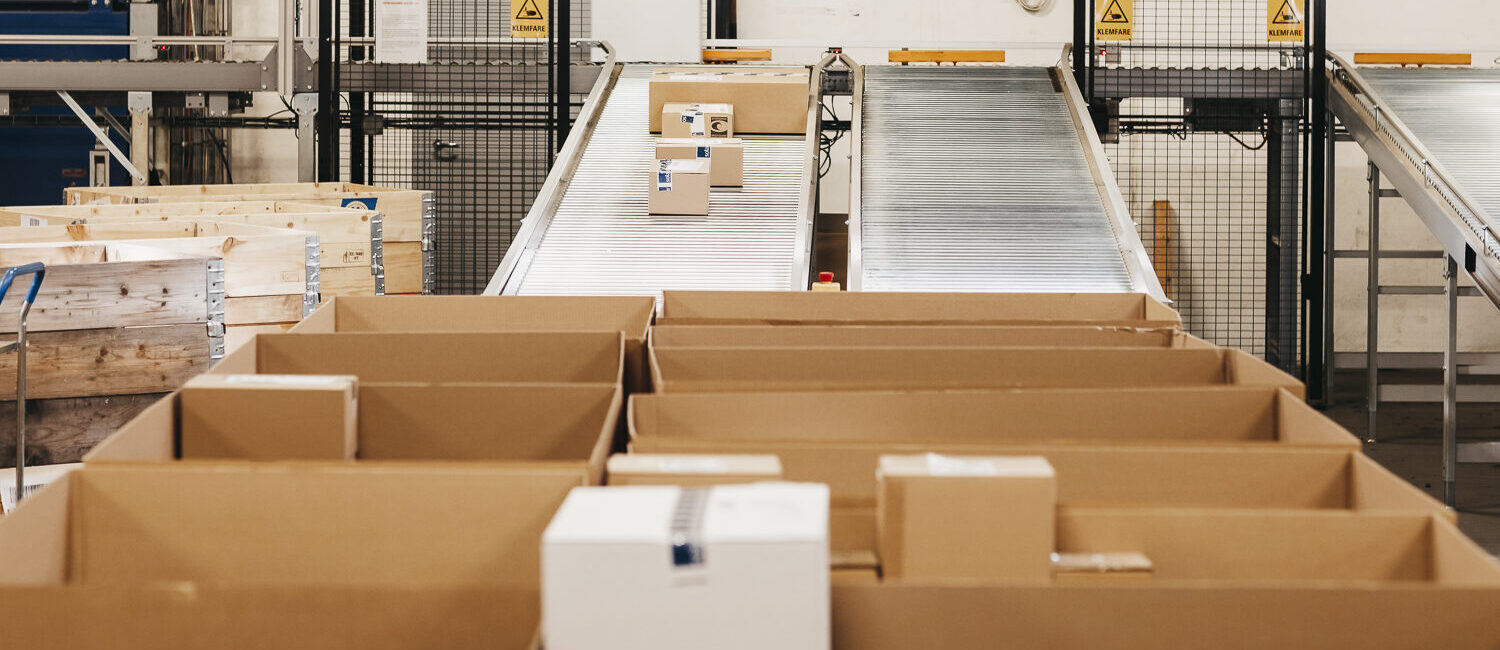
At Solar’s warehouse in Norway, Element Logic connected eOperator to an existing AutoStore system. The arm picks individual items from bins presented at a carousel port and places them directly into packages for customer orders. It works alongside other picking stations, with conveyors moving packages through the warehouse.
The example shows what changed. AutoStore was already retrieving bins. Adding the robotic arm automated the step of taking an item out of the bin and placing it in the package. Read the Solar case study.

What to test before adding robotic piece picking
Test the products you actually handle. Start with a representative mix of items and packaging types. Find out which items the robot handles consistently and which should stay in a manual workflow. Make sure your team knows who handles exceptions.
Test the handoffs as well as the pick. Check that the storage system can present bins when the arm needs them and that order cartons can move to the next step. If the arm picks faster but cartons still wait for downstream handling, look at that constraint before adding more picking capacity.
Measure the workflow, not just the arm. Agree on what success looks like for the operation. Picking accuracy and throughput are useful measures. Also check how often staff need to step in. That gives you a better basis for deciding which orders should go through the robotic station. Read more about choosing an order picking approach.
If your warehouse already brings bins to a picking station, ask what work still has to happen at that station. That is the step to assess before deciding where robotics can help. Talk to Element Logic about your picking workflow.